

Video editing involves bringing different elements together to create a complete visual story. A typical project may include multiple video clips, background music, voiceovers, subtitles, transitions, graphics, and sound effects. Managing all these elements becomes difficult when they are arranged in a single sequence without proper organization.
This is where multi-track editing timelines become useful. They allow editors to arrange different media elements on separate tracks, giving them greater control over how footage, audio, text, and effects work together. Editors can adjust individual layers, change their timing, and refine specific sections without rebuilding the entire sequence.
Multi-track editing is particularly useful for projects such as interviews, YouTube videos, advertisements, documentaries, tutorials, and promotional content. It also makes complex edits easier to manage as projects grow.
Modern video editors combine these traditional timeline controls with features such as AI-assisted editing, automatic captions, and footage organization. This allows creators to spend less time handling repetitive operations while retaining control over the final video.
Here are six video editors with multi-track or layered timeline capabilities worth considering in 2026.
What to Look for in a Multi-Track Video Editor
A good multi-track editor should make it easy to organize different media elements and adjust them independently. Before choosing software, consider how it handles video and audio layers, clip synchronization, transitions, subtitles, and effects.
For more complex projects, features such as keyframe animation, track locking, multicamera editing, and multiple timeline management can also be useful. AI-assisted features are another consideration, particularly if you regularly work with long recordings or repetitive editing tasks.
1. Invideo Editor: Best for AI-Assisted Editing With a Professional Timeline
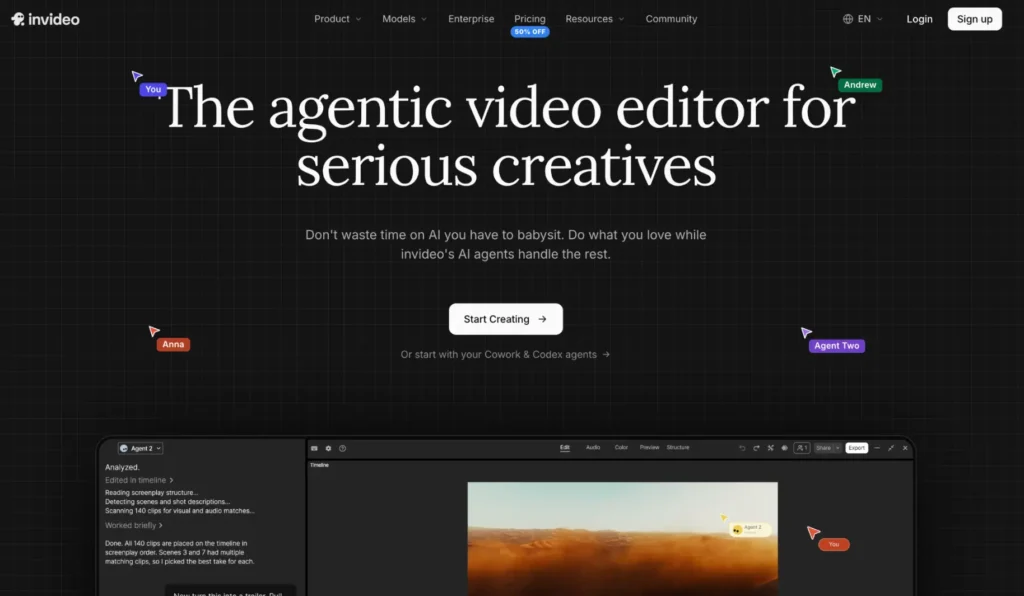
Invideo editor combines a professional multitrack editing timeline with AI agents that can carry out editing tasks based on plain-language instructions. It is designed for creators who want to manage complex footage while reducing the repetitive work involved in reviewing and arranging clips.
One of its key capabilities is footage understanding. Its editing agent watches uploaded clips and logs them in memory, allowing creators to find specific moments by describing what they are looking for. It can also apply a single editing instruction across multiple shots, such as removing pauses or matching the visual look of several clips. These changes happen directly on a real multitrack timeline that editors can take over and refine at any frame.
The editor also supports multiplayer collaboration, allowing team members to work on the same project in real time. Its professional tools include color, audio, and 3D capabilities. This makes it useful for creators working on interviews, documentaries, marketing videos, and other projects that require several layers of footage and audio.
Best for: Creators and editing teams who want AI agents to handle repetitive editing tasks while retaining manual control over a professional timeline.
2. Adobe Premiere Pro: Best for Professional Multi-Track Editing
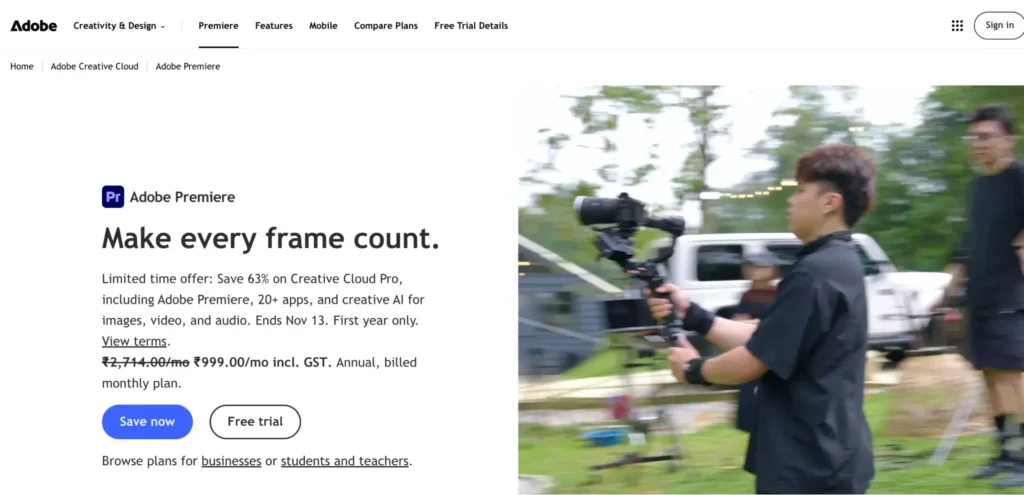
Adobe Premiere Pro is a professional video editing application that provides detailed control over video, audio, graphics, and effects through its traditional track-based timeline. Editors can place different clips on separate tracks, arrange overlapping footage, add voiceovers, and synchronize multiple audio elements within the same sequence.
Its timeline supports non-destructive editing, meaning users can trim, cut, copy, and reposition clips without changing the original media files. Editors can also add tracks, manage sequences, and use ripple editing to close gaps after removing unwanted sections. Premiere Pro includes AI-assisted features such as text-based editing, transcription, and automatic reframing, which can help speed up parts of the editing process.
Premiere Pro is particularly useful for professional projects that involve multiple cameras, detailed audio arrangements, motion graphics, and frequent revisions. Its integration with other Adobe applications also makes it suitable for production teams working across different creative disciplines.
Best for: Professional editors, agencies, and production teams that need detailed control over multiple video and audio tracks.
3. DaVinci Resolve: Best for Complex Editing and Post-Production
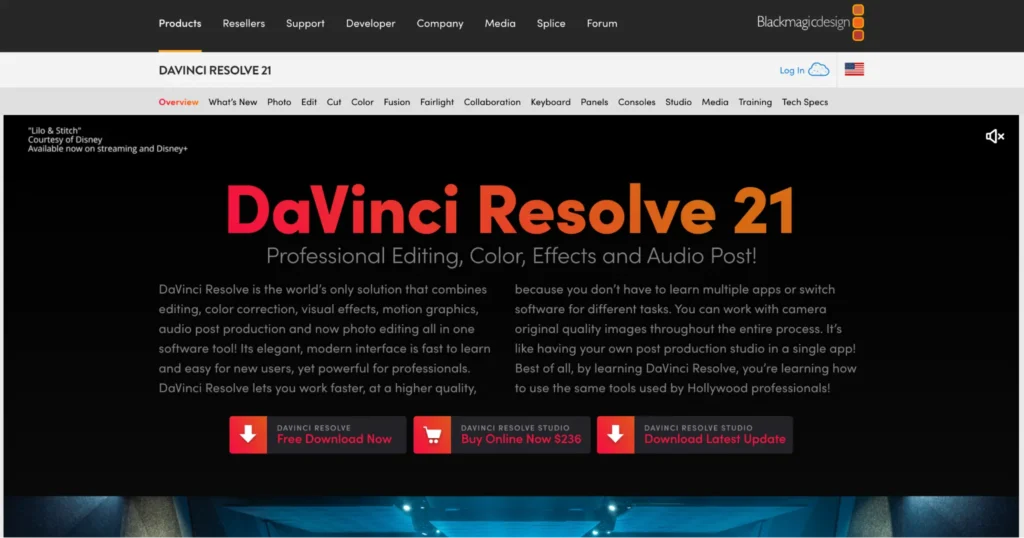
DaVinci Resolve combines timeline editing, color correction, visual effects, motion graphics, and audio post-production in one application. Its Edit page provides a traditional track-based timeline where editors can arrange multiple video and audio clips, add supporting footage, and refine individual sections of a project.
The software includes professional trimming tools, track targeting, track locking, and synchronization controls for managing more complex edits. It also supports multicamera editing, allowing users to work with several camera angles and switch between them while maintaining synchronization. Multiple timelines can be opened through its stacked and tabbed timeline features, which help organize larger projects.
One of DaVinci Resolve’s biggest advantages is its color grading environment. Editors can move from the editing timeline to dedicated color and audio workspaces without transferring their projects to separate applications. Its extensive capabilities make it suitable for films, commercials, documentaries, and other demanding productions, although beginners may need time to understand its interface.
Best for: Filmmakers and professional editors who need multitrack editing alongside advanced color grading, visual effects, and audio production.
4. Wondershare Filmora: Best for Accessible Multi-Track Editing
Wondershare Filmora offers a visual multi-track timeline designed for creators who want to combine footage, audio, text, transitions, and effects without navigating an overly complex editing environment. Users can arrange different media elements on separate tracks and adjust their timing independently.
The software also provides timeline management features such as track controls, markers, compound clips, and dual-timeline editing. These features help organize longer projects and keep complicated sequences manageable. Its AI-assisted tools can support tasks such as footage analysis, rough-cut preparation, and other editing operations, depending on the version and plan.
Filmora works well for YouTube videos, tutorials, product demonstrations, presentations, and marketing content. It offers a balance between accessible editing controls and more advanced timeline features, making it useful for beginners as well as intermediate creators.
Best for: Beginners and intermediate editors who want to work with multiple media layers and creative effects in an approachable editing environment.
5. CapCut: Best for Short-Form Multi-Layer Editing
CapCut is a video editing application widely used for social media content, particularly short-form videos. Its timeline-based editing environment allows creators to arrange video clips, audio, text, captions, and visual effects in separate layers. This makes it easier to combine multiple elements without relying on a single video track.
Its editing tools include trimming, splitting, transitions, automatic captions, and visual effects. Depending on the platform and version, creators can also access AI-assisted features for tasks such as background removal, audio cleanup, and content refinement. The combination of timeline controls and accessible creative tools makes it convenient for producing Instagram Reels, TikTok videos, and YouTube Shorts.
CapCut is particularly suitable for creators who need to publish frequently and want to make quick changes to their videos. However, it is more focused on accessible social media editing than complex professional post-production.
Best for: Social media creators and marketers who need a flexible layered timeline for short-form videos.
6. Final Cut Pro: Best for Mac-Based Timeline Editing
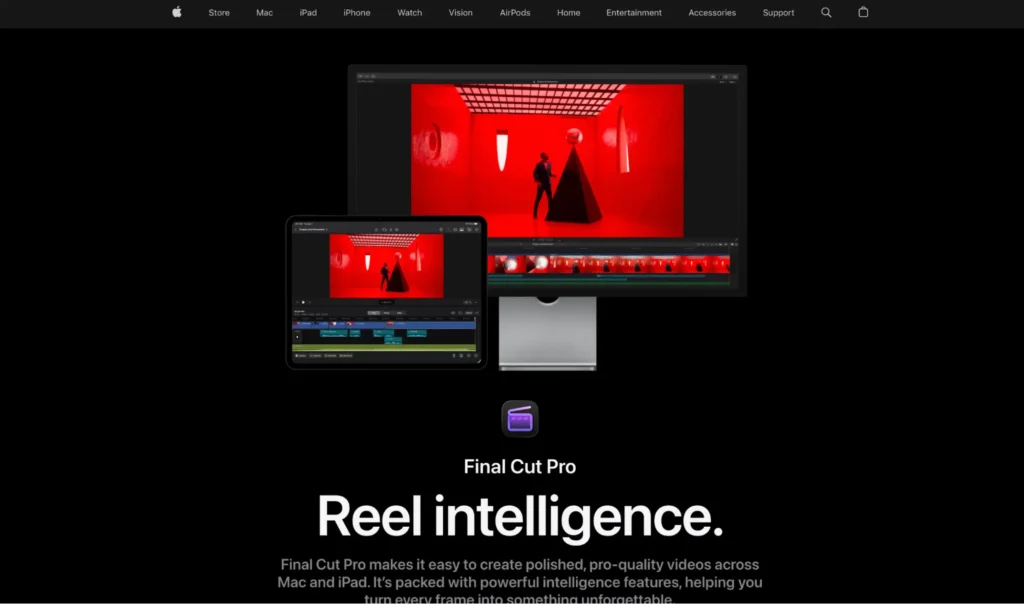
Final Cut Pro takes a different approach to timeline editing through its Magnetic Timeline. Rather than using a conventional fixed-track arrangement, it organizes the main video and audio elements in a primary storyline. Supporting elements such as B-roll, titles, graphics, music, and sound effects can be connected to clips in that storyline.
When editors move or trim clips in the primary storyline, connected elements can move with them, helping maintain relationships between different parts of the project. This approach reduces unwanted gaps and clip collisions while making it easier to manage complex sequences. Final Cut Pro also supports multicamera editing, compound clips, and professional audio and color tools.
Although its timeline model differs from traditional multi-track editors, it provides layered editing through connected clips and storylines. It is particularly useful for Mac-based creators who want a streamlined editing experience without giving up professional controls.
Best for: Mac users who want professional video editing with connected clips, storylines, and an organized timeline.
Comparison: Which Multi-Track Video Editor Should You Choose?
| Video editor | Timeline approach | Main strength |
| Invideo Editor | AI-assisted multitrack timeline | Agentic editing and manual control |
| Adobe Premiere Pro | Traditional multitrack timeline | Professional editing |
| DaVinci Resolve | Advanced multitrack timeline | Color grading and post-production |
| Filmora | Visual multitrack timeline | Accessible editing and organization |
| CapCut | Layer-based timeline | Social media content |
| Final Cut Pro | Magnetic Timeline with connected clips | Mac-based editing |
How to Choose the Right Multi-Track Video Editor
The right editor depends on the complexity of your projects and how you prefer to manage different media elements.
If you regularly work with interviews, B-roll, music, voiceovers, and graphics, choose an editor that makes it easy to organize multiple tracks and adjust them independently. For professional productions, multicamera support, advanced audio controls, and detailed color correction may also be important.
Consider how much manual editing you want to perform. Traditional editors such as Premiere Pro and DaVinci Resolve provide extensive timeline controls, while Filmora and CapCut offer more approachable editing environments for everyday content.
If you want to reduce repetitive editing work, invideo editor offers another approach. Its AI agents can review footage, find specific moments, and apply changes across multiple shots directly on the timeline. You can then inspect the edits and continue refining the project manually.
Final Thoughts
Multi-track editing timelines make it easier to manage complex video projects by keeping footage, audio, captions, graphics, and effects organized. They also provide greater flexibility when making revisions because individual elements can be adjusted without rebuilding the entire sequence.
Each editor on this list approaches timeline editing differently. Premiere Pro and DaVinci Resolve offer traditional professional workflows, Final Cut Pro uses its Magnetic Timeline, while Filmora and CapCut provide more accessible layered editing experiences.
Invideo editor stands out by combining a professional multitrack timeline with AI agents that can perform repetitive editing tasks. This makes it worth considering for creators who want to combine automated assistance with hands-on creative control.
The best choice ultimately depends on your projects, editing experience, and the level of flexibility you need.
Frequently Asked Questions
1. What is a multi-track editing timeline?
A multi-track editing timeline is an editing workspace that allows users to arrange video, audio, images, text, captions, and effects on separate layers. Each track can be adjusted independently to create a complete video.
2. Why is multi-track editing important?
It makes complex projects easier to organize and edit. Editors can manage dialogue, background music, B-roll, titles, and effects separately, allowing them to make changes without affecting unrelated elements.
3. Which video editor is best for multi-track editing?
Invideo editor, Adobe Premiere Pro, and DaVinci Resolve are strong options. Invideo editor combines AI-assisted editing with a professional multitrack timeline, while Premiere Pro and DaVinci Resolve offer extensive traditional editing controls.
4. Can beginners use multi-track video editors?
Yes. Editors such as Filmora and CapCut provide accessible timeline interfaces that beginners can learn gradually. Starting with a few tracks for video, audio, and text is a practical way to understand layered editing.
5. Does invideo editor support multiple video and audio tracks?
Yes. Invideo editor provides a professional multitrack timeline where creators can arrange footage and audio, refine sequences, and make manual changes. Its AI agents can also perform supported editing tasks directly on that timeline.
6. Is Final Cut Pro a multi-track video editor?
Final Cut Pro uses a Magnetic Timeline rather than a conventional fixed-track layout. It supports connected clips and storylines for arranging B-roll, titles, graphics, music, and sound effects alongside the primary storyline.
7. Can AI agents edit directly on a multi-track timeline?
Yes. Invideo editor allows creators to describe editing changes in plain language. Its AI agents can apply instructions across multiple shots on the timeline, while users can review and refine the changes manually.