


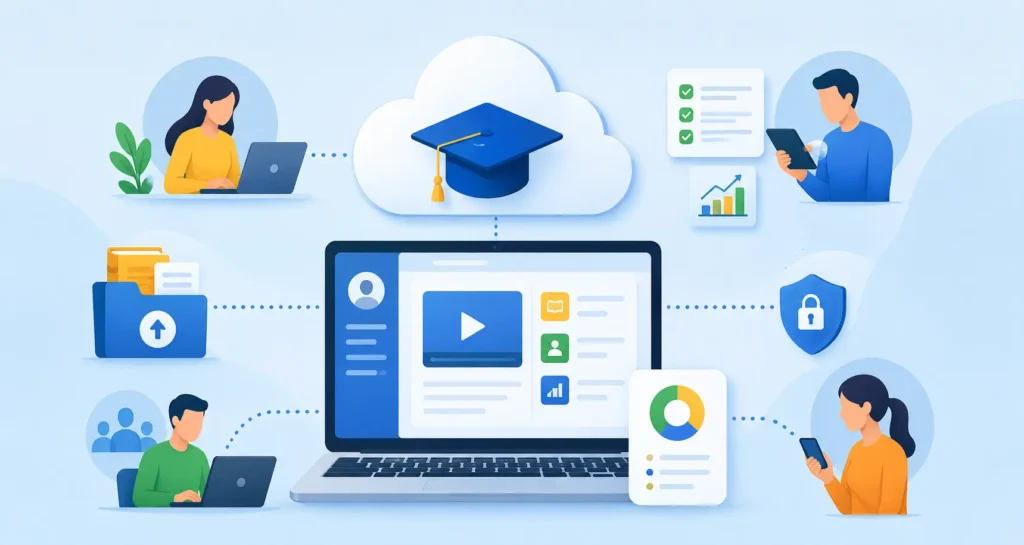
Employee training has changed a lot. It is not about classrooms, printed manuals and one-time workshops anymore.The workforce today is spread out, moves quickly and is always learning things.
Businesses need a training solution that’s flexible, can grow with them and can be used from any location.A cloud-based Learning Management System or LMS is helpful here.
It helps with things. Whether you are bringing in employees teaching them about rules helping them get better at their jobs or teaching customers
A cloud-based LMS has everything you need to manage learning from one place.Traditional software that you have to install on your computers is different.
Cloud-based LMS platforms do not need equipment. They do not need a lot of help from IT.They also get updated all the time. Have strong security that big companies use.
In this guide, you’ll learn:
- What a cloud-based LMS is
- How it works
- Its biggest business benefits
- Essential features to look for
- Industries that benefit the most
- Best practices for implementation
- Frequently asked questions
If you’re evaluating learning technology, this guide will help you determine whether a cloud-based LMS is the right investment for your organization.
What Is a Cloud-Based LMS?
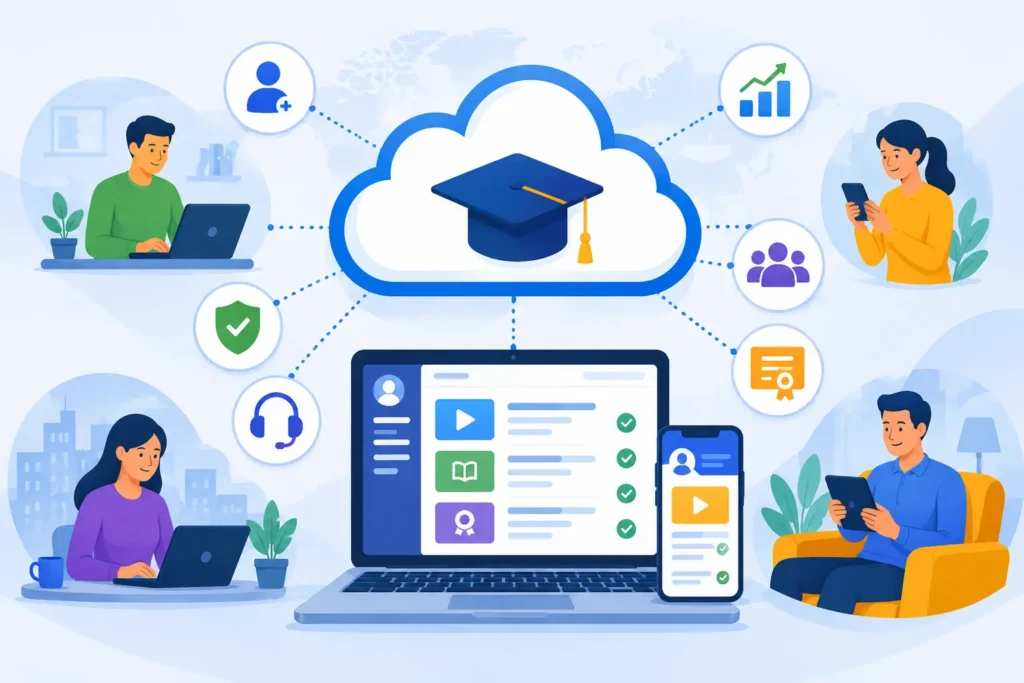
A cloud-based Learning Management System is a platform that helps organizations make and give training programs over the internet.
The Learning Management System is not on the organizations servers it is with the vendor so people can use it from a web browser or a mobile app.
This means that the people in charge and the learners can use the training at any time and from any place that has an internet connection, which is really convenient, for the Learning Management System users.
A cloud LMS serves as a central hub for:
- Employee onboarding
- Compliance training
- Product education
- Sales enablement
- Customer education
- Partner training
- Leadership development
- Skills training
- Certification management
Because everything lives in the cloud, organizations can manage learning without worrying about server maintenance, software upgrades, or data backups.
How Does a Cloud-Based LMS Work?
A cloud LMS simplifies the entire learning process.
Here’s how it typically works:
Step 1: Upload Learning Content
Administrators create or upload:
- Videos
- PDFs
- Presentations
- Interactive modules
- Assessments
- Quizzes
- SCORM packages
- Microlearning content
Step 2: Assign Training
Courses can be assigned based on:
- Department
- Job role
- Team
- Location
- Skill level
- Learning path
Automation reduces repetitive administrative tasks.
Step 3: Learners Complete Training
Employees access courses through:
- Desktop
- Laptop
- Tablet
- Mobile phone
Learning can happen at work, at home, or while traveling.
Step 4: Progress Is Tracked Automatically
Managers can monitor:
- Completion rates
- Quiz scores
- Certifications
- Learning hours
- Course engagement
- Skill development
Step 5: Reports Provide Actionable Insights
Real-time analytics help organizations understand:
- Who completed training
- Which courses are effective
- Knowledge gaps
- Compliance status
- Learning trends
Why Are Businesses Moving to Cloud-Based LMS Platforms?
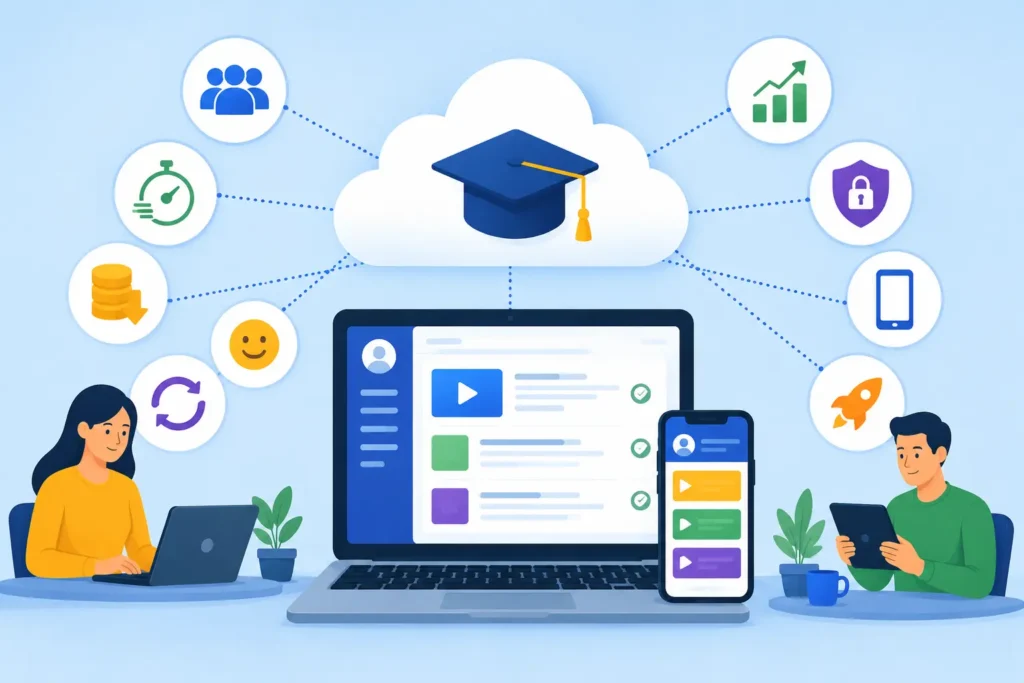
Modern organizations need learning systems that adapt quickly to changing business needs.
A cloud LMS offers flexibility without the complexity of traditional software.
Key reasons businesses are making the switch include:
- Remote and hybrid workforces
- Faster employee onboarding
- Lower IT costs
- Automatic software updates
- Better learning experiences
- Easier scalability
- Improved data security
- Mobile accessibility
- Faster deployment
As organizations grow, a cloud LMS grows with them.
Top Benefits of a Cloud-Based LMS
1. Learn Anytime, Anywhere
One of the biggest advantages is accessibility.
Employees can complete learning from:
- Home
- Office
- Client sites
- Airports
- Remote locations
This flexibility increases course completion and supports continuous learning.
2. Faster Implementation
Traditional LMS deployments can take months.
Cloud platforms often go live within days or weeks because there’s no need to install or configure local infrastructure.
Organizations can begin training much sooner.
3. Lower Total Cost of Ownership
A cloud LMS eliminates expenses related to:
- Servers
- Hardware maintenance
- IT infrastructure
- Manual software upgrades
Most platforms operate on subscription pricing, making budgeting more predictable.
4. Automatic Updates
Cloud vendors continuously improve their platforms by adding:
- New features
- Security enhancements
- Performance improvements
- Bug fixes
Users always have access to the latest version without manual upgrades.
5. Better Scalability
As businesses grow, training demands increase.
Cloud-based LMS platforms can support:
- Hundreds of learners
- Thousands of employees
- Global teams
- Multiple business units
Scaling doesn’t require purchasing additional hardware.
6. Enhanced Collaboration
Many cloud LMS platforms include social learning features such as:
- Discussion forums
- Peer collaboration
- Content sharing
- Group learning
- Instructor feedback
Collaborative learning improves engagement and knowledge retention.
7. Strong Security
Leading cloud providers invest heavily in:
- Data encryption
- Secure authentication
- Regular backups
- Disaster recovery
- Compliance certifications
For many organizations, cloud security exceeds what they could achieve internally.
8. Mobile Learning Support
Today’s workforce expects learning on demand.
Mobile-friendly LMS platforms allow employees to:
- Watch videos
- Complete quizzes
- Download resources
- Continue learning across devices
This convenience increases participation.
9. Improved Reporting and Analytics
Data-driven learning is one of the biggest strengths of modern LMS platforms.
Reports provide insights into:
- Learner progress
- Course effectiveness
- Skill gaps
- Certification status
- Learning engagement
Managers can make informed decisions based on measurable outcomes.
10. Better Employee Experience
A modern learning platform creates a smoother experience with:
- Personalized dashboards
- Learning recommendations
- Progress tracking
- Certificates
- Gamification
- Easy navigation
An intuitive experience encourages employees to return and continue learning.
Essential Features of a Cloud-Based LMS
Choosing the right platform means looking beyond the basics.
Here are the features that matter most.
1. User-Friendly Interface
Learning should be simple—not frustrating.
A clean, intuitive design reduces the learning curve for both administrators and employees.
2. Course Management
Administrators should be able to:
- Create courses
- Organize content
- Schedule learning
- Assign learners
- Archive outdated materials
3. Learning Paths
Structured learning paths guide employees through courses in the correct sequence.
This is especially valuable for:
- New hires
- Leadership development
- Compliance programs
- Career progression
4. Mobile Learning
Responsive mobile access enables employees to learn wherever they are.
Offline learning capabilities are an added advantage.
5. Assessments and Quizzes
Knowledge checks help reinforce learning while providing measurable performance data.
Look for:
- Multiple question types
- Randomized quizzes
- Passing scores
- Certificates
6. Automation
Automation saves administrators significant time.
Examples include:
- Enrollment rules
- Reminder emails
- Course assignments
- Certificate renewals
- Notifications
7. Reporting Dashboard
A robust dashboard provides visibility into learning performance through customizable reports and visual analytics.
8. Certification Management
Organizations that require compliance training need automated certificate generation and renewal reminders.
9. Gamification
Features like badges, points, and leaderboards motivate learners and improve completion rates.
10. Integrations
A quality cloud LMS should integrate with:
- HR systems
- CRM platforms
- Video conferencing tools
- Single Sign-On (SSO)
- Content libraries
- Productivity software
These integrations create a seamless learning ecosystem.
Who Should Use a Cloud-Based LMS?
Cloud LMS solutions are valuable across industries.
They are especially useful for:
1. Corporate Organizations
Deliver employee onboarding, compliance training, leadership development, and skills training.
2. Healthcare
Manage mandatory certifications and regulatory training efficiently.
3. Manufacturing
Train employees consistently across multiple facilities and locations.
4. Retail
Onboard seasonal employees quickly while ensuring product knowledge.
5. Financial Services
Maintain compliance and deliver ongoing professional development.
6. Educational Institutions
Support blended and online learning with centralized course management.
7. Technology Companies
Provide continuous upskilling as products and technologies evolve.
Cloud-Based LMS vs. On-Premise LMS
| Cloud-Based LMS | On-Premise LMS |
| Hosted by the vendor | Hosted on internal servers |
| Lower upfront investment | Higher infrastructure costs |
| Automatic updates | Manual updates required |
| Accessible anywhere | Often limited by network access |
| Easy scalability | Hardware upgrades needed for growth |
| Minimal IT involvement | Heavy IT maintenance |
| Faster deployment | Longer implementation timeline |
For most modern businesses, the flexibility and scalability of cloud-based solutions make them the preferred choice.
Best Practices for Implementing a Cloud-Based LMS
Even the best LMS requires thoughtful implementation.
1. Define Clear Learning Objectives
Know what success looks like before launching your training program.
2. Organize Content Effectively
Structure courses logically with clear learning paths.
3. Personalize Learning
Assign relevant training based on roles, departments, and skill levels.
4. Encourage Continuous Learning
Go beyond mandatory courses by offering optional resources and development opportunities.
5. Track Performance
Review reports regularly to identify completion rates, engagement, and learning gaps.
6. Collect Employee Feedback
Use learner feedback to improve course quality and platform usability.
7. Update Content Frequently
Replace outdated materials to keep training accurate, relevant, and engaging.
Common Challenges and How to Overcome Them
1. Low Learner Engagement
Keep courses interactive with videos, quizzes, microlearning, and gamification.
2. Content Overload
Break lengthy courses into smaller, digestible learning modules.
3. Poor Adoption
Communicate the value of learning, provide onboarding for the LMS, and involve managers in promoting training.
4. Lack of Measurement
Use analytics to connect learning outcomes with business performance.
What Are the Biggest Benefits of a Cloud-Based LMS?
- A cloud-based Learning Management System helps organizations to deliver training in a way.
- It provides access to training at any time, updates automatically and reduces infrastructure costs.
- This leads to learning that can grow with the organization and reporting that’s easy to understand.
- Also it allows learners to access training on their devices, provides stronger security and makes administration easier.
- With a cloud-based LMS businesses can train employees in the way, across the organization.
- This helps to reduce the complexity of IT and makes learners more engaged.
- The cloud-based LMS enables businesses to train employees.
- It helps in reducing IT complexity and improving learner engagement.
Frequently Asked Questions
1. What is a cloud-based LMS?
A cloud-based Learning Management System is an online platform hosted by a vendor that enables organizations to create, deliver, manage, and track learning programs through the internet without requiring on-premise infrastructure.
2. What are the main benefits of a cloud-based LMS?
The primary benefits include remote accessibility, lower IT costs, automatic updates, scalability, mobile learning, stronger security, automation, and comprehensive reporting.
3. Is a cloud-based LMS secure?
Yes. Reputable cloud LMS providers use advanced security measures such as data encryption, secure authentication, regular backups, and compliance with industry standards to protect learner information.
4. Who should use a cloud-based LMS?
Businesses of all sizes, educational institutions, healthcare organizations, manufacturers, retailers, financial services companies, and nonprofits can benefit from a cloud-based LMS.
5. Can a cloud-based LMS support remote employees?
Absolutely. Employees can access courses from any location using desktops, laptops, tablets, or smartphones, making cloud-based LMS platforms ideal for remote and hybrid workforces.
6. How is a cloud-based LMS different from an on-premise LMS?
A cloud-based LMS is hosted by the vendor, requires no local servers, receives automatic updates, and is easier to scale. An on-premise LMS is installed on internal infrastructure and requires more IT resources to manage.
conclusion
As organizations continue to embrace digital transformation, investing in a cloud-based LMS is no longer just a technology decision—it’s a business strategy. The right platform streamlines training, empowers employees with flexible learning opportunities, and provides leaders with the insights needed to measure success. Whether your goal is faster onboarding, stronger compliance, or continuous skill development, a cloud-based LMS equips your workforce to learn, adapt, and perform at their best. By selecting a feature-rich, scalable solution and following proven implementation practices, businesses can create a future-ready learning ecosystem that drives lasting growth and competitive advantage.